Built on Firefox. Not a Chrome skin.
Multitaskto the max
The lowest block rate of any multi-session browser. If it's not blocked in Firefox, it's not blocked in Omnifox.
Omni View - on Max
Drive fifty tabs like one
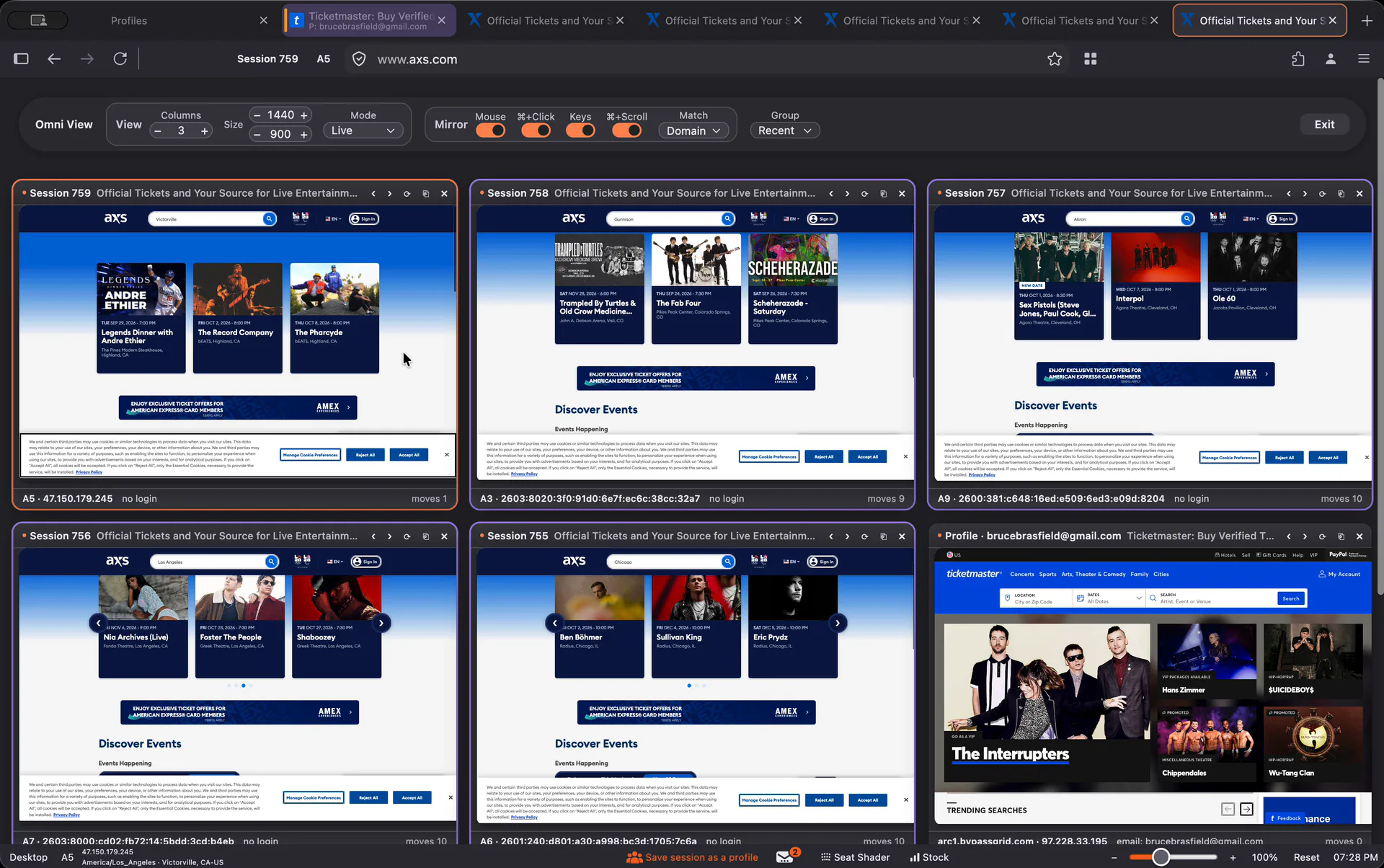
Every tab on one screen, live. Turn on mirroring and type, click and scroll in one tab while every tab on the same site copies you, then pop any tab out to full size without losing its place.
Built on Firefox
A fresh fingerprint that matches real Firefox
Most multi-session browsers run on Chromium, and after years of brokers on the same engine, ticketing sites know that fingerprint well. Omnifox is built on Firefox, so your tabs look like real Firefox users.
Resource use with 50 tabs open
Omnifox against the leading competitor. Shorter is better.
| Metric | Omnifox | Leading competitor |
|---|---|---|
| Memory | 28% less (72% of the competitor's memory) | Baseline |
| CPU | Up to 10% less (As low as 90% of the competitor's CPU) | Baseline |
2 weeks
between Firefox updates
Firefox ships a new version every two weeks, and most people are on it within days. Omnifox moves up on the same schedule, so your tabs look like the majority of Firefox users. Most multi-session browsers we tested run a Chrome version several releases behind.
Firefox users by version
Nine days after Firefox 156 shipped.
Source: whattrainisitnow.com.
| Version | Share of Firefox users |
|---|---|
| Firefox 156.0 | 50% |
| Firefox 156.0.1 | 25% |
| Older versions | 25% |
In beta: better Ticketmaster queues and almost no blocks on SeatGeek and AXS.
Real mobile and tablet emulation
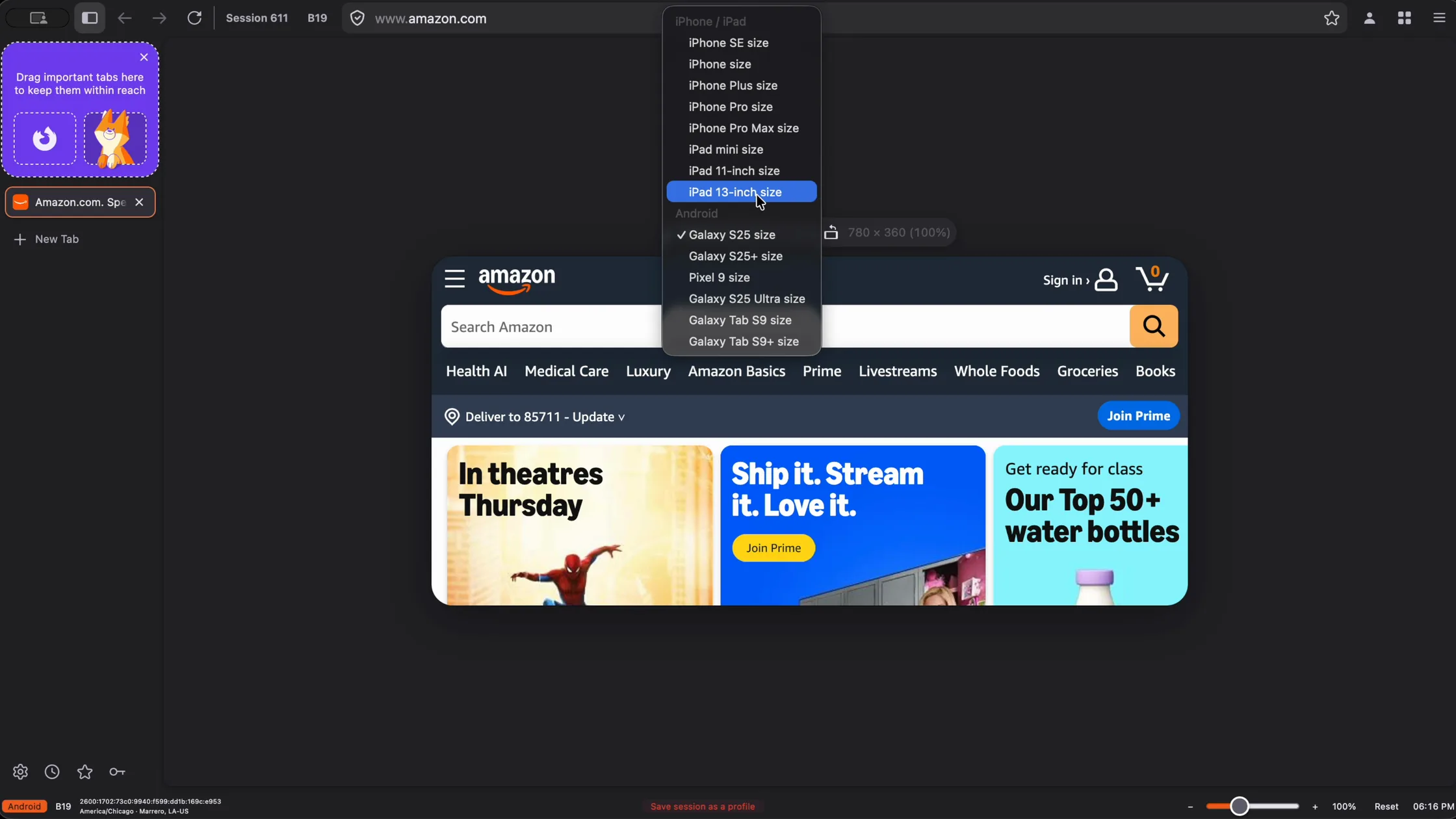
MaxRun any tab as an Android phone, iPhone or iPad. Sites serve their real mobile version, the fingerprint matches the device, and you can rotate it whenever you like.
A proxy for every tab
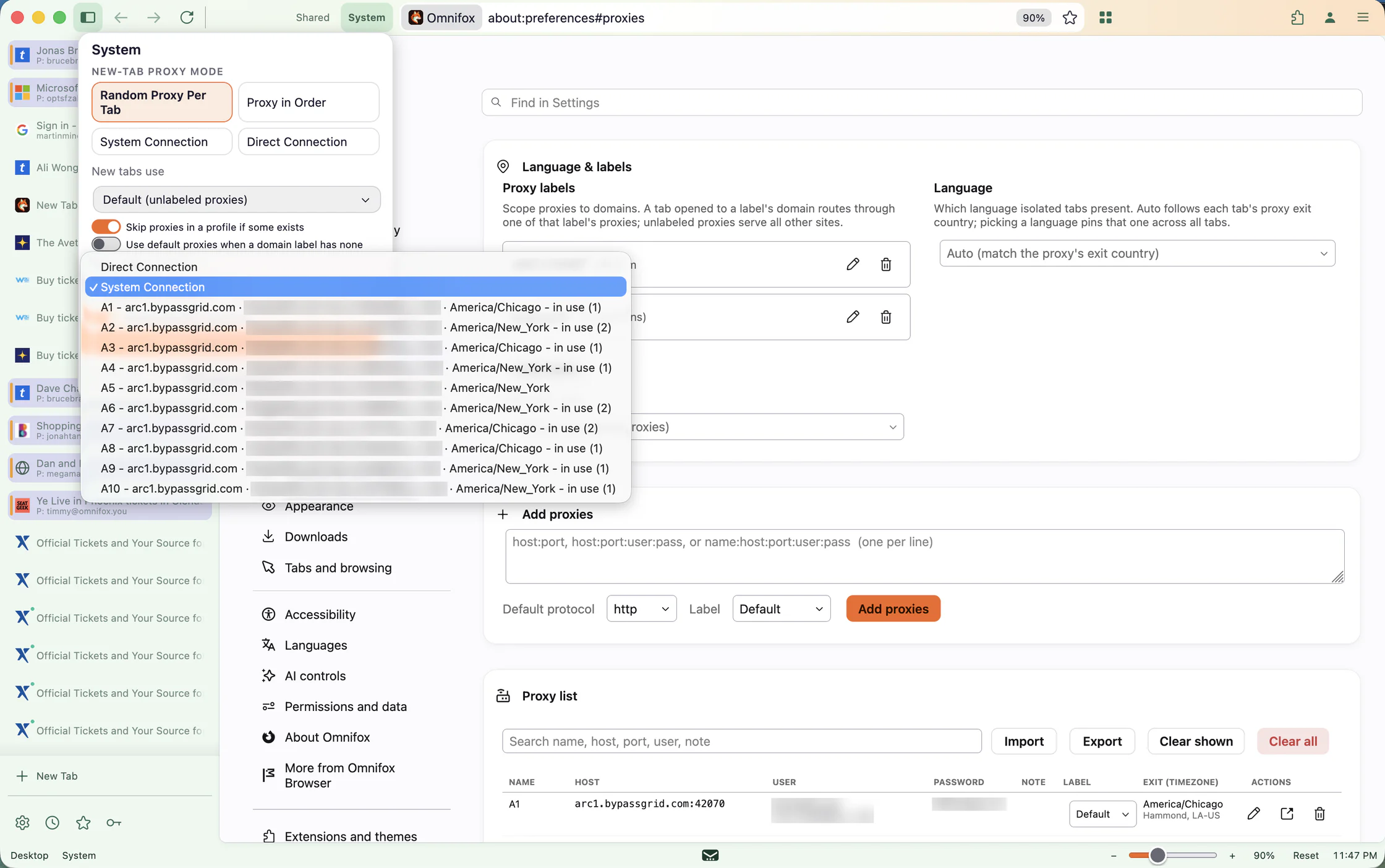
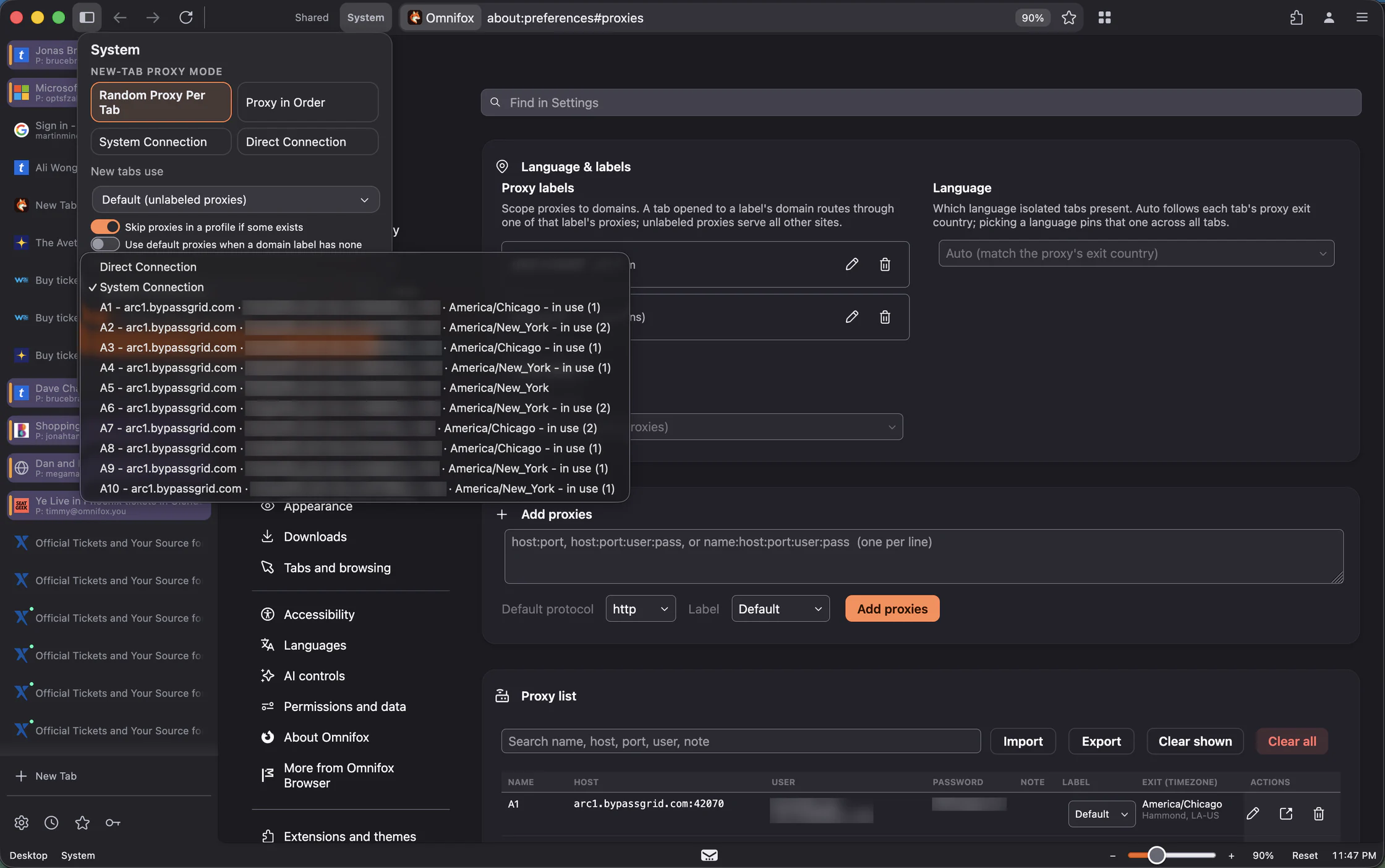
Give every tab its own proxy over HTTP, HTTPS, SOCKS5 or SOCKS4, from any provider. New tabs take a random proxy or the next one in order, labels scope proxies to the sites they are for, and each tab takes the timezone and language of its exit.
Codes, right in the browser
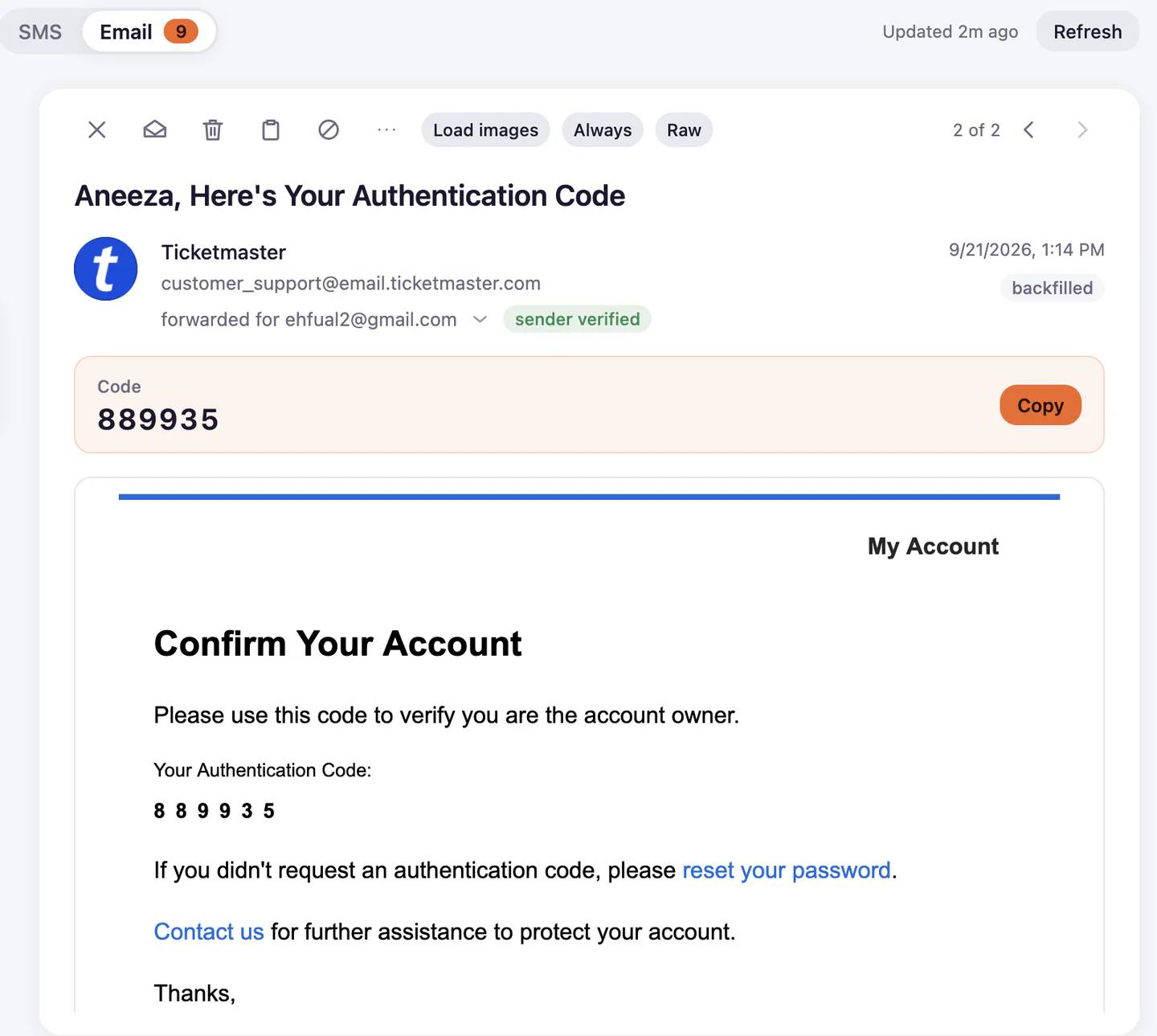
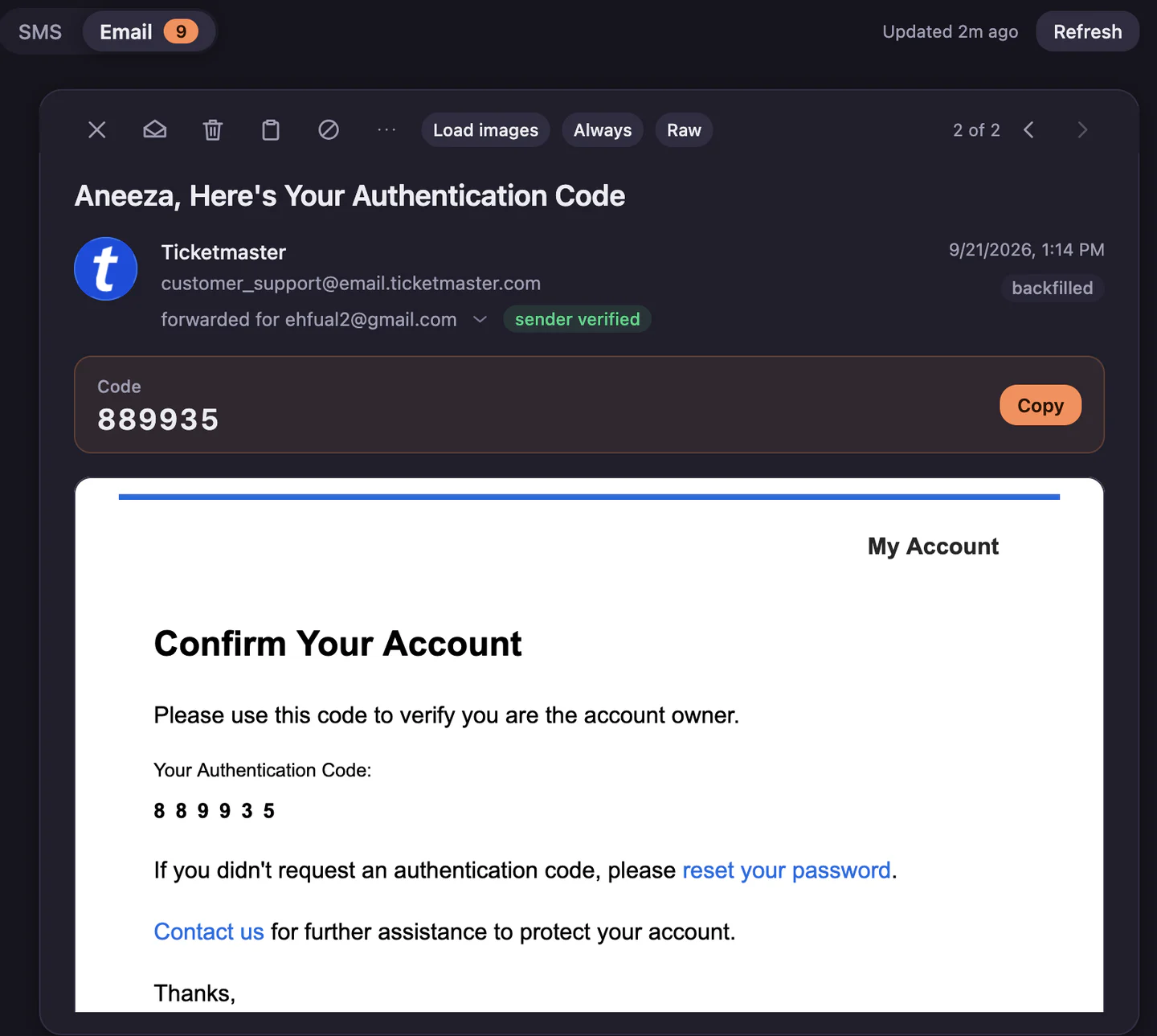
Every seat comes with Omnifox email addresses that you can use for accounts or to forward all your mails to, and your SMS provider can forward to Omnifox too. Codes show up in the Omnibar ready to copy, and can fill themselves into the page that asked for them.
Save any session as a profile
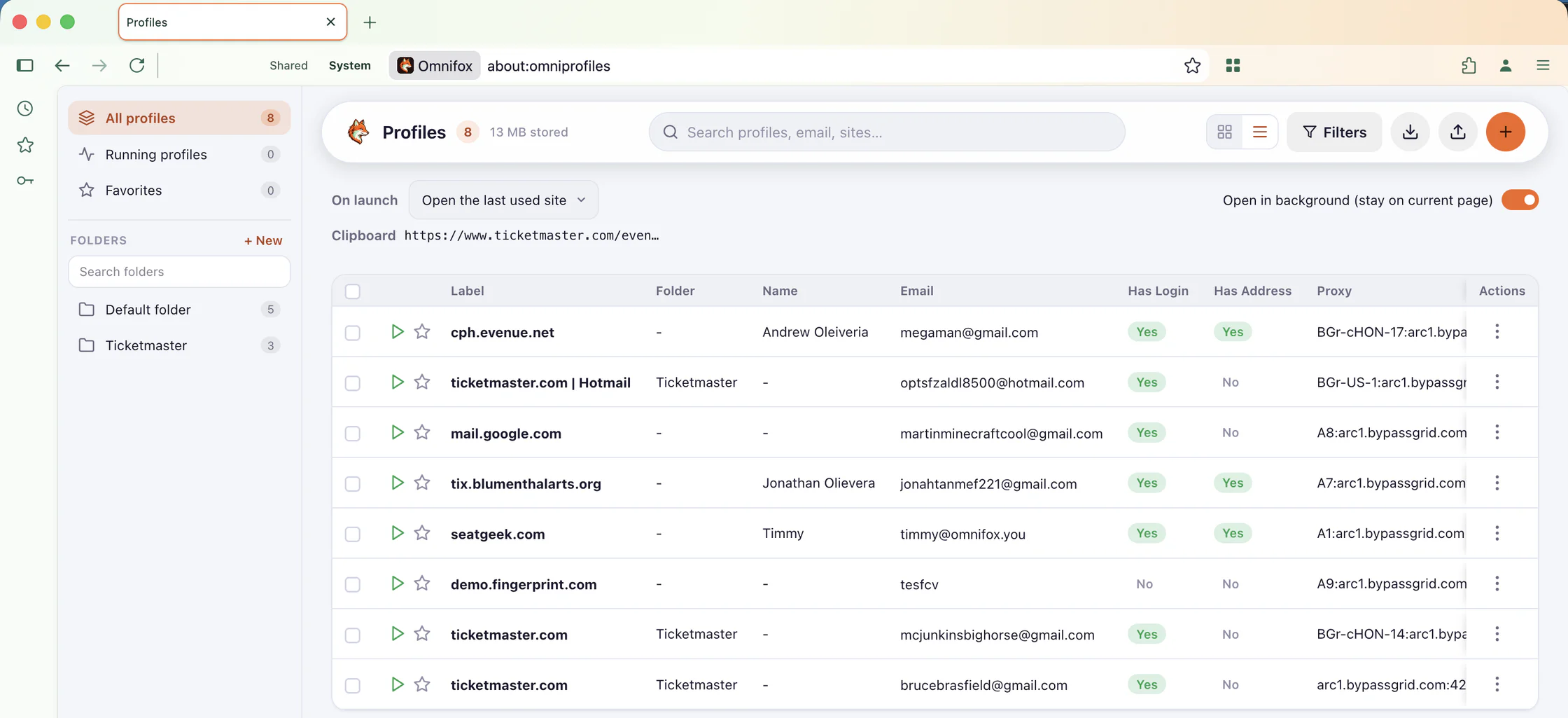
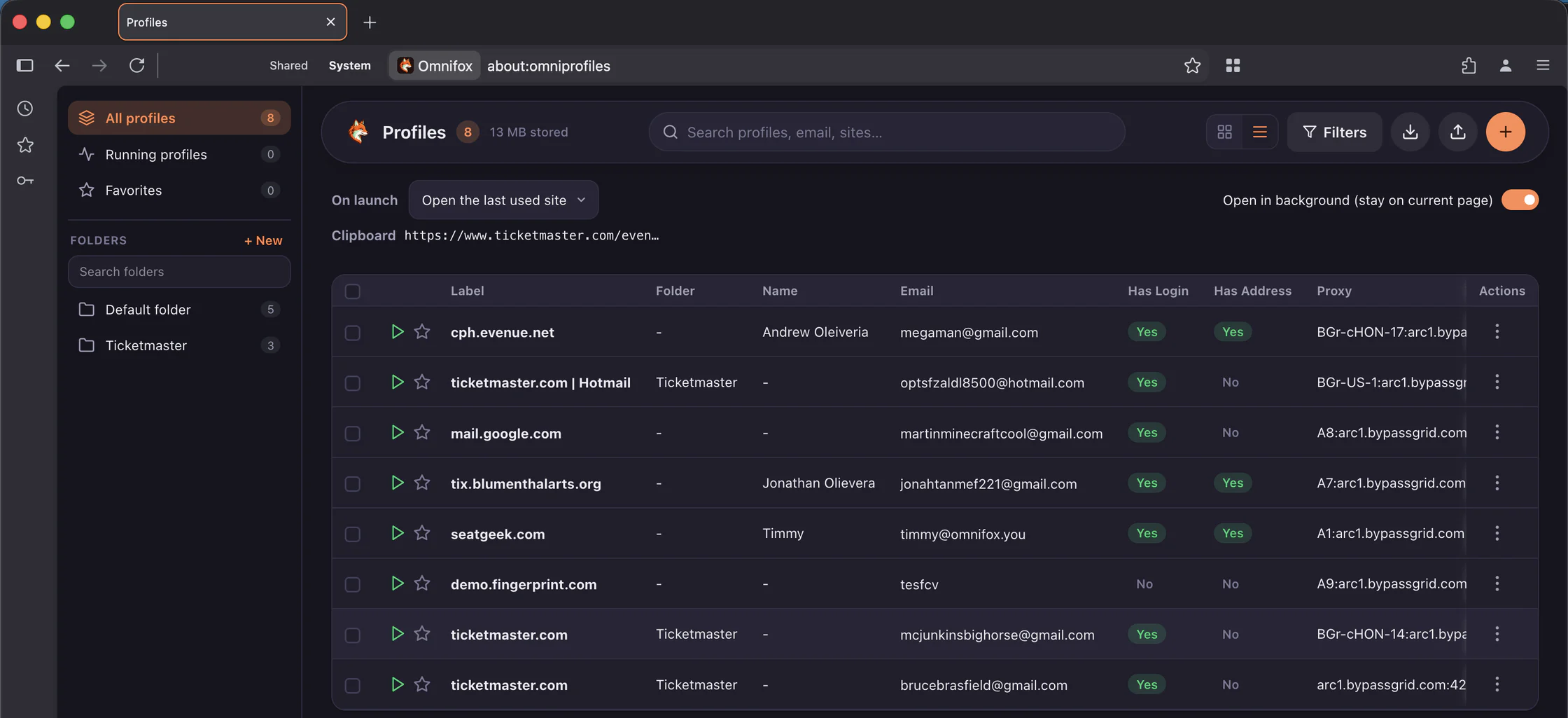
Browse as usual, then press Save session as a profile and Omnifox builds it for you: cookies, logins, proxy, addresses and cards. No spreadsheets or CSVs, and profiles export to an encrypted .omni file for another machine.
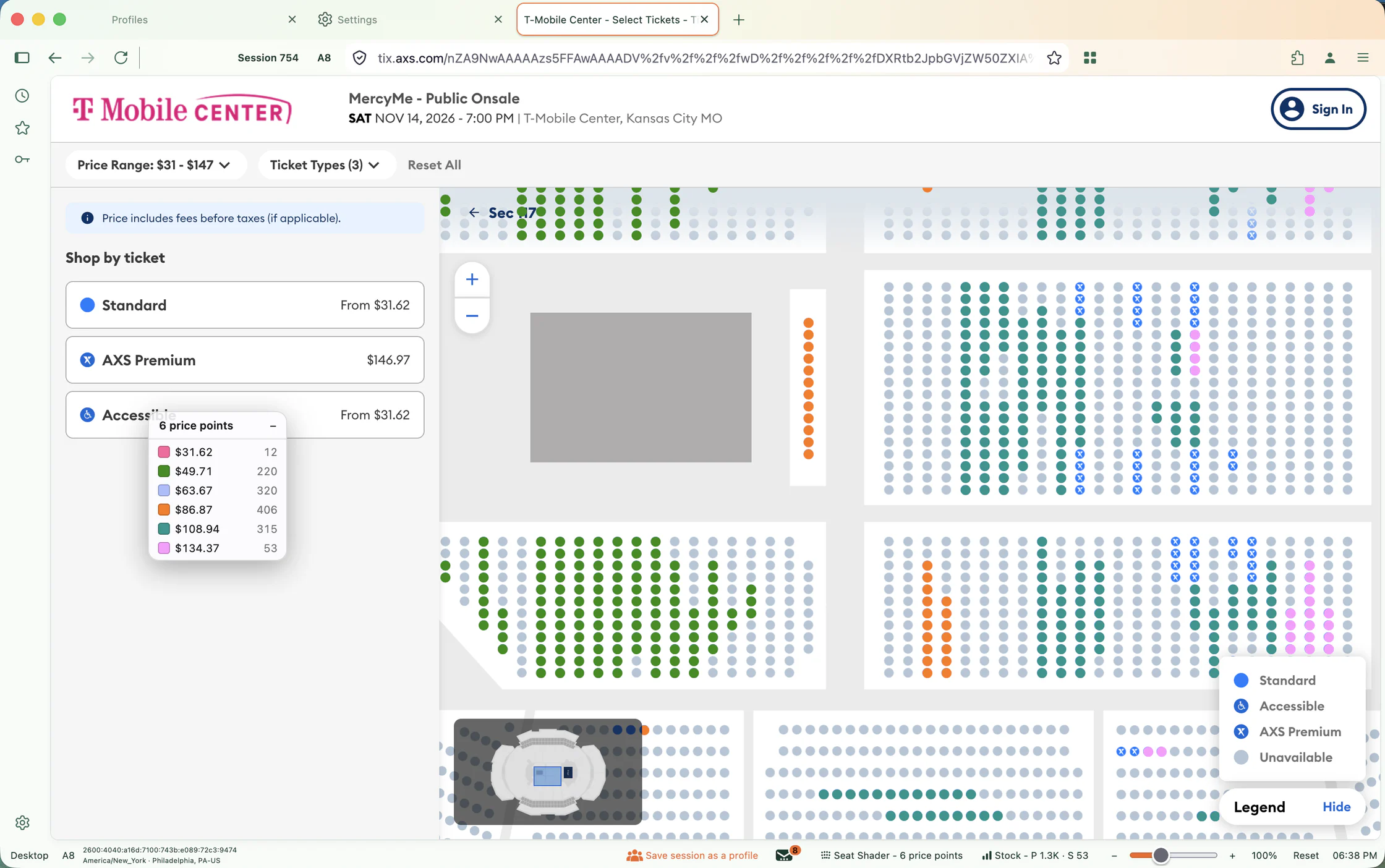
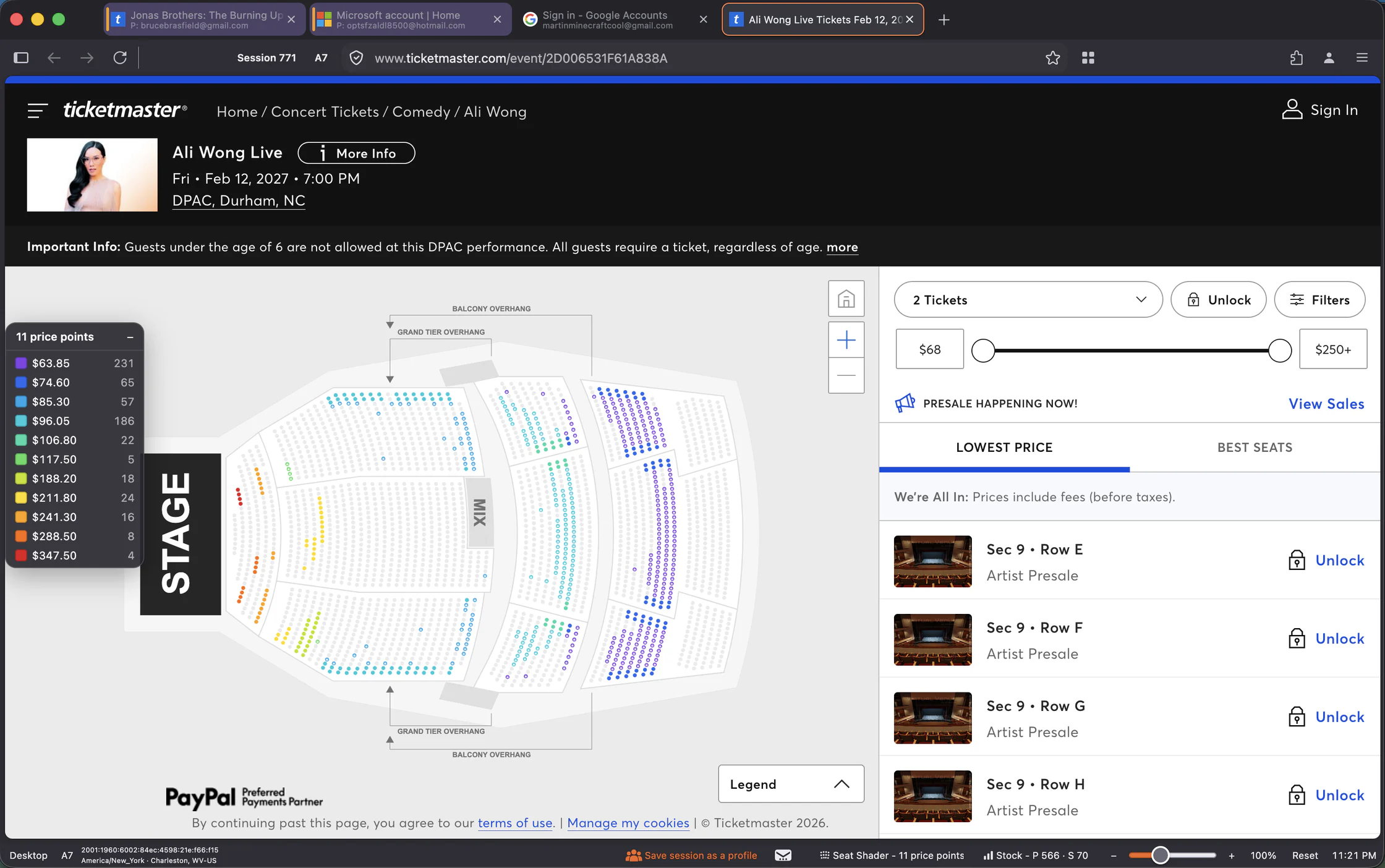
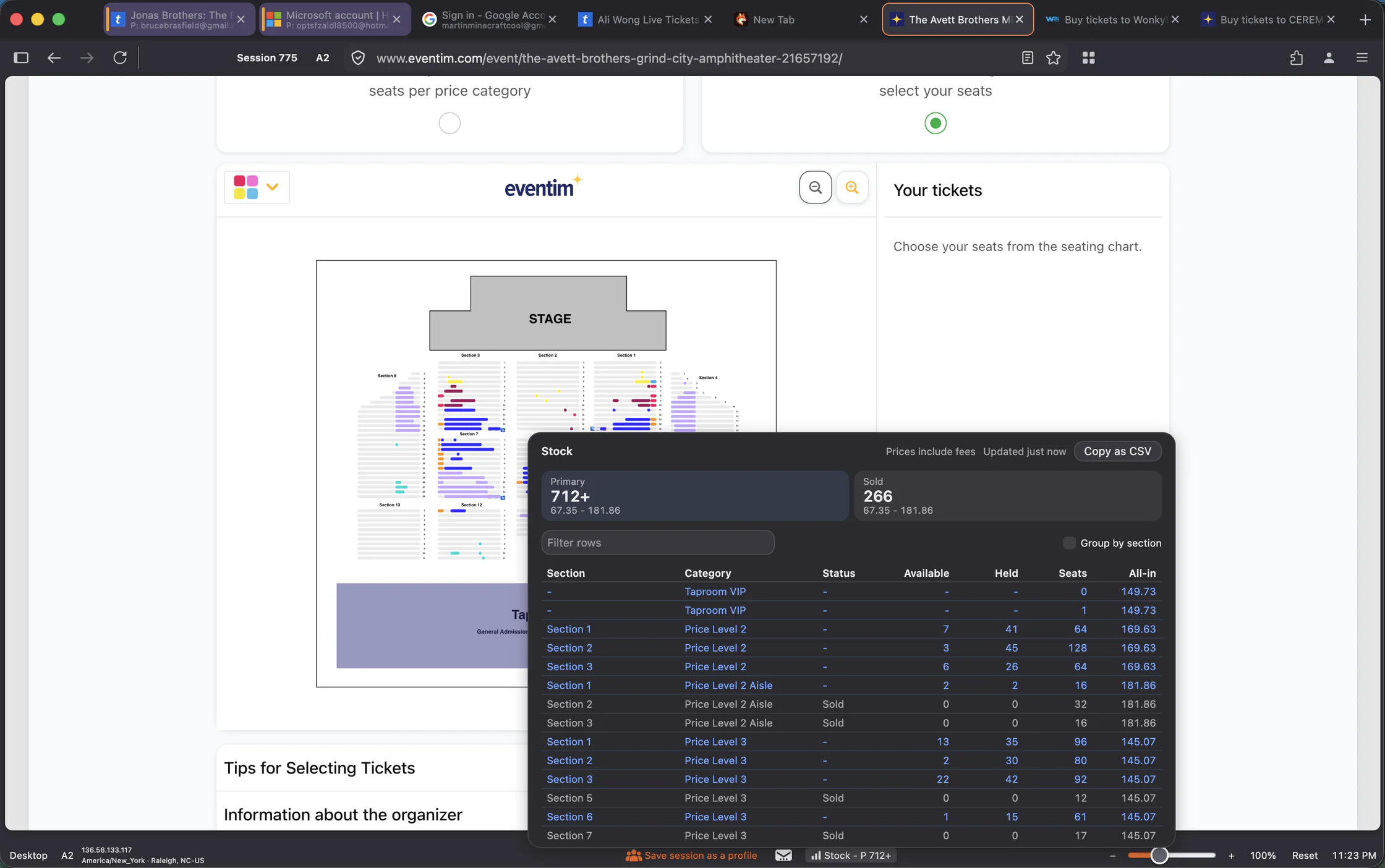
Seat Shader and Event Stock
Seat Shader colors the seat map by price, so the price breaks stand out without hovering seat by seat, and Event Stock shows how much inventory an event has right now. Every plan covers Ticketmaster US and Canada, and Max adds AXS, Paylogic, Evenue, ATG Tickets and Ticketmaster worldwide.
Also Built In
Per-tab identities
Separate cookies, storage and logins in every tab.
Quick Launch Tabs
Open up to 25 proxied tabs at once on Pro, 250 on Max.
Preemptive Anti-Block
Strips a throttling cookie before your tab loads.
Shared Global Domains
Sites that behave like a normal browser, sharing one signed-in session across tabs.
Fresh Session Domains
New tabs these sites open start in a fresh session instead of sharing theirs.
- Max
Extensions and DevTools
Firefox add-ons, your own extensions and full DevTools.
Light and dark themes
Every Omnifox screen, in both.
macOS and Windows
Intel and ARM. Your license works on any machine.
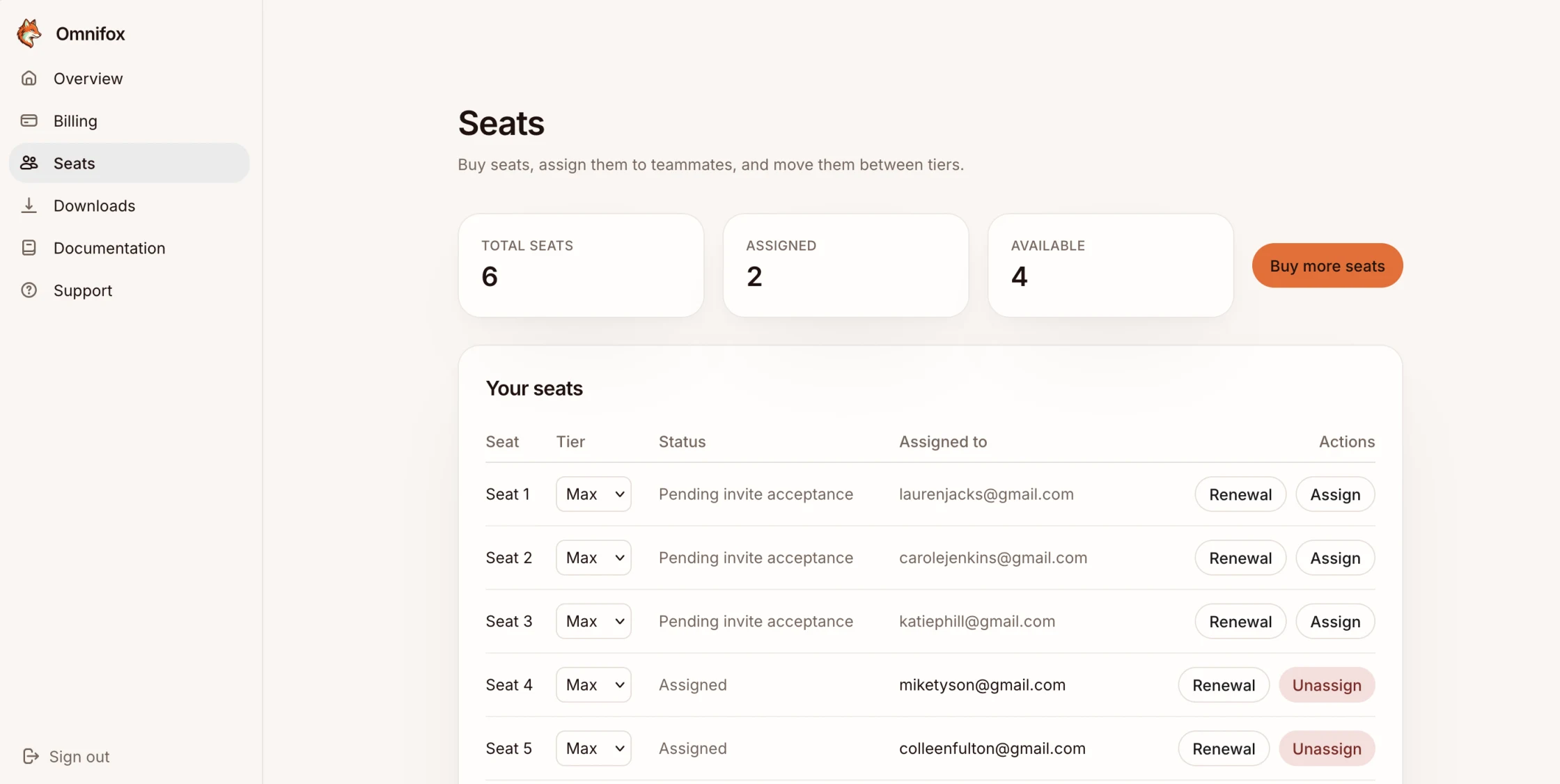
Move a seat without moving a password
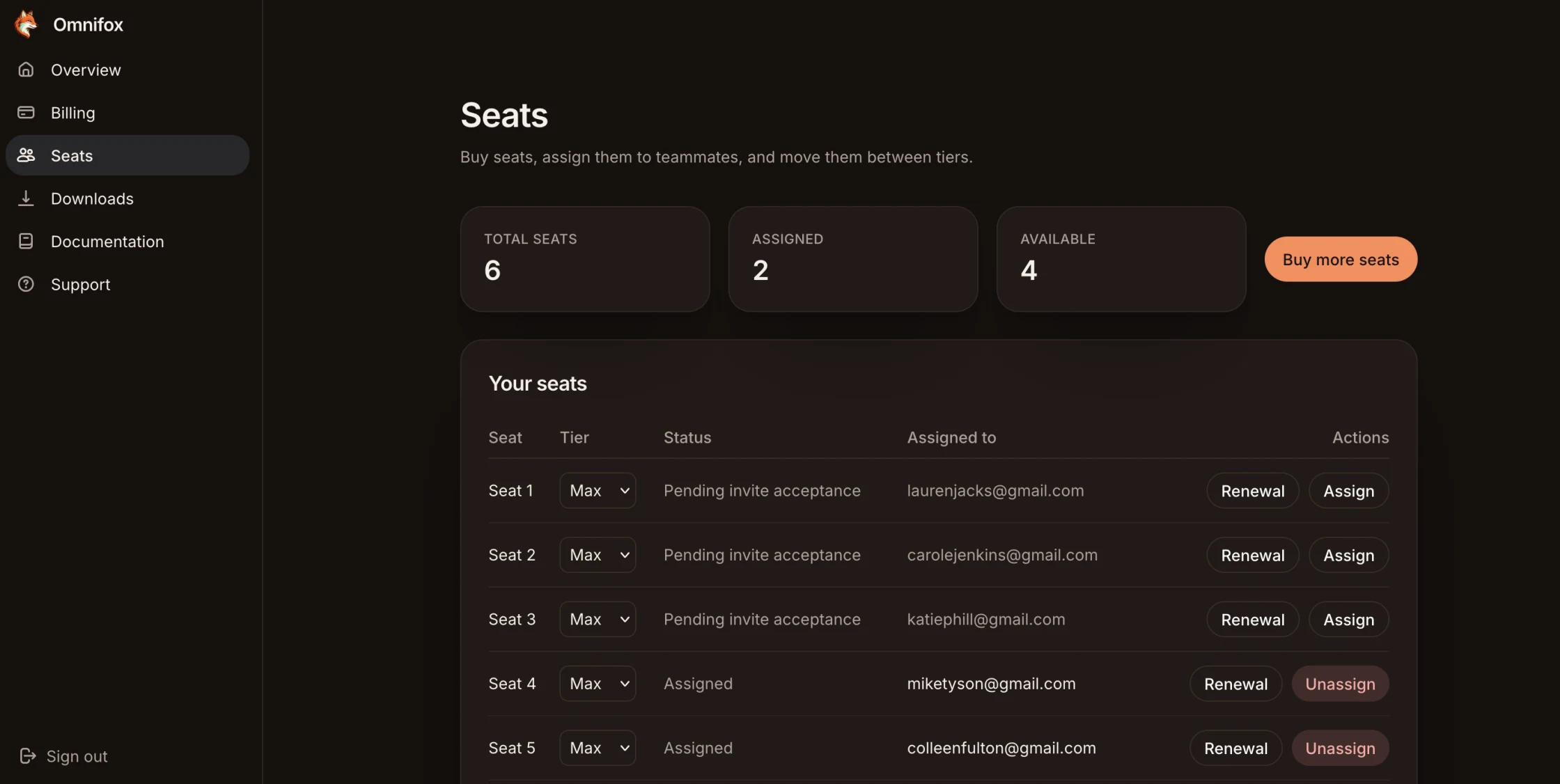
Assign a seat to a teammate, take it back when they leave, and hand it to someone else without sharing a login. Mix Core, Pro and Max seats on one subscription.
Start with a single seat
New features every month, and the newest Firefox every two weeks.